

Uses / The engine under your other apps
The engine under your other apps
Every AI app wants a model server; almost none give you one worth pointing at.
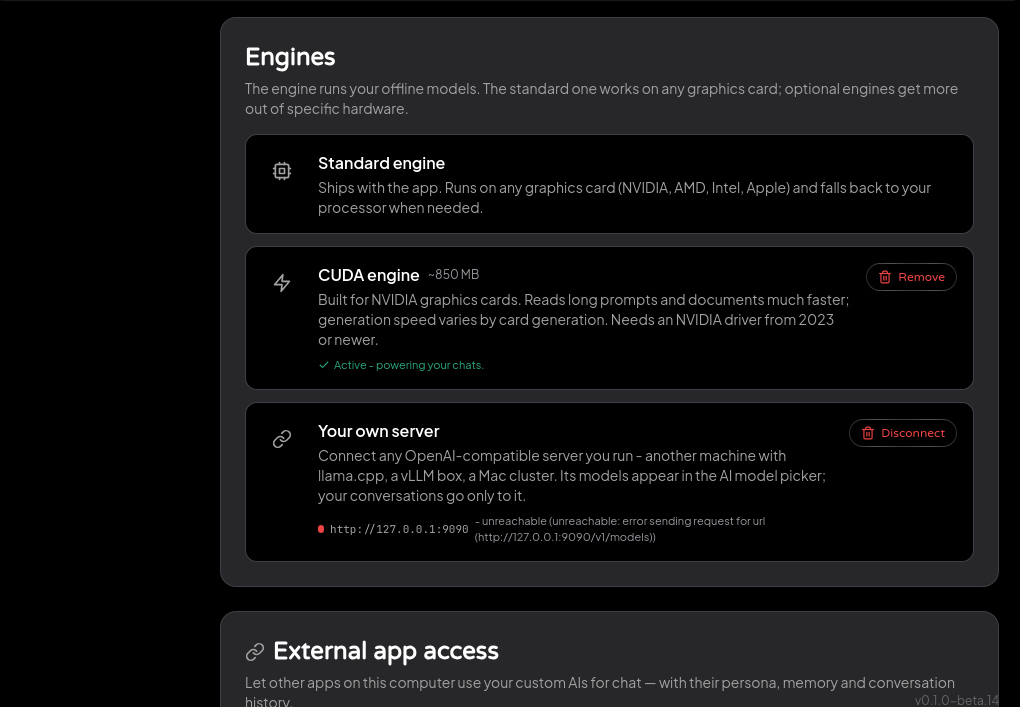
Your Own AI serves an OpenAI-compatible endpoint on your machine while it's open - so agent frameworks like Hermes Agent and OpenClaw, coding editors, or a ten-line script can use YOUR AIs instead of a bare model: the personality you authored answers, your memories inform it, and the conversation lands in your signed records like any other, marked as coming from that app.
Local calls need no API key - being on your machine is the credential.
How it works
- 1
Find the endpoint
Settings → External access: the address, ready to copy, live while the app is open.
- 2
Pick which AI answers
Every AI has a model name. "Copy setup" gives the base URL, model name, and a working example for any OpenAI-compatible client.
- 3
Point your app at it
Set the base URL and model in the other app's settings - configuration, not a plugin.
- 4
See the record
Conversations from other apps appear on the Memory page with an "API" badge - the same signed records as in-app chats.
Free · Open source · macOS, Windows, Linux